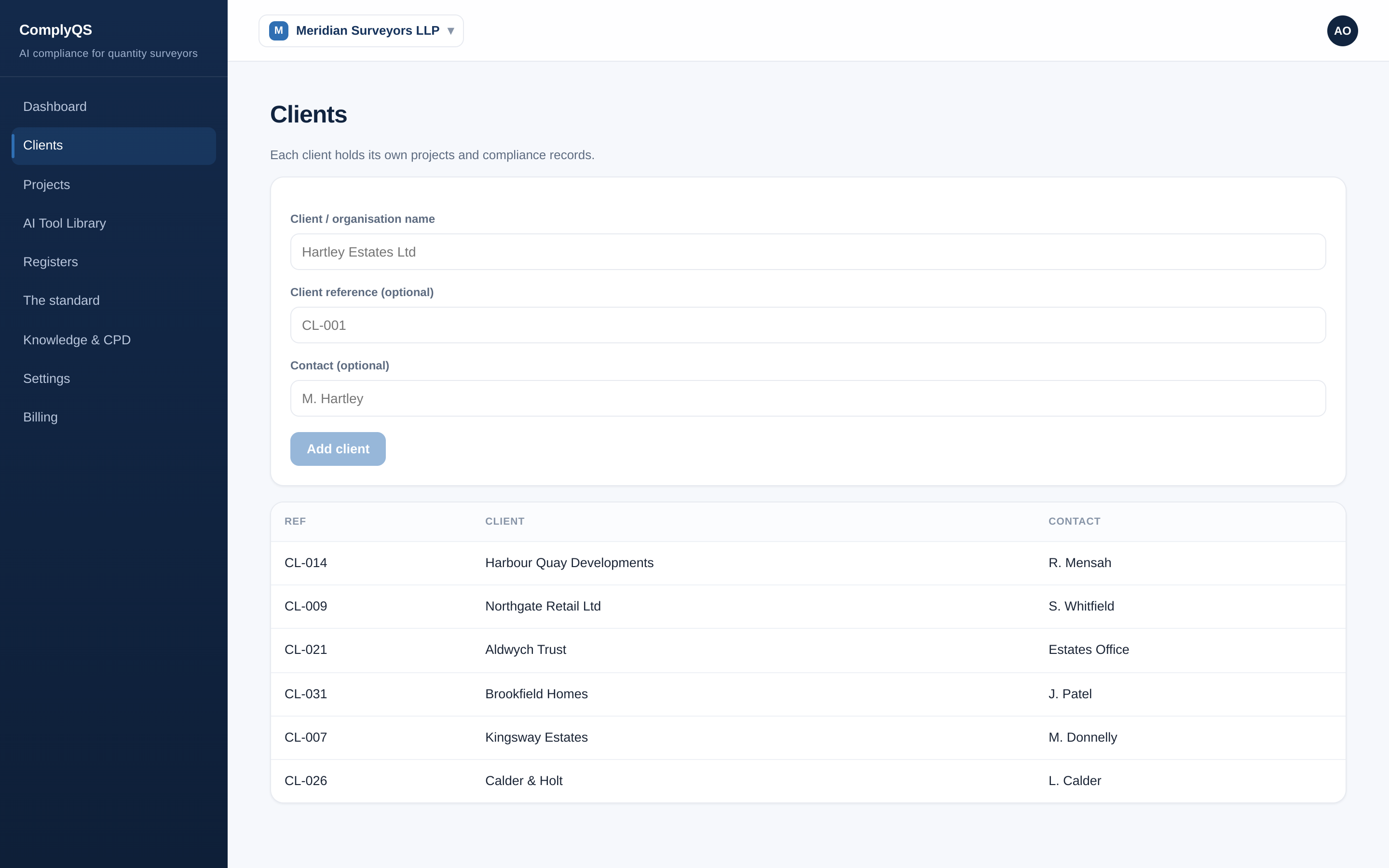
Adding a client
Every project belongs to a client, so add your clients first.
Every step above uses ComplyQS on fictional demo data. Try it on your own firm — free for 180 days, from £20/month after.
Start your free trialRelated reading: Client AI disclosure notices
A how-to guide for the ComplyQS app (https://complyqs.co.uk). ComplyQS records what your firm decides and does; it does not make compliance decisions. Not affiliated with or endorsed by RICS.